Hearing Your Guitar Twice? Check Your Monitoring Before Buying a Plugin

Hearing Your Guitar Twice? Check Your Monitoring Before Buying a Plugin

Music & Audio

Hearing Your Guitar Twice?

Check Your Monitoring Before Buying a Plugin

guitar recording

HOME RECORDING

Listen to the signal path.

You play one note and hear a strangely hollow sound, a slap or two versions of the same performance. The temptation is to search for a better amp simulator. First, check how the guitar reaches your headphones.

A recording setup can give you more than one listening path. The interface may send an input straight to its outputs while your recording software returns another version. The practical question is simple: what exactly are you hearing, and which route do you want?

Draw the listening path

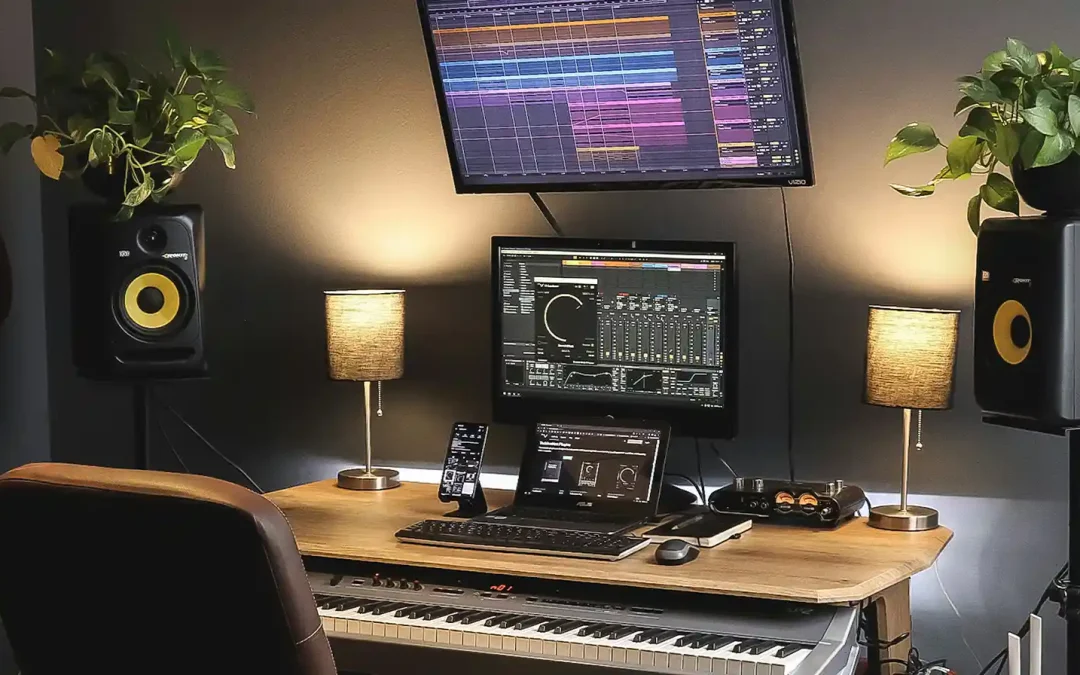
Write down the chain from guitar to input, from input to recorded track and from track to headphones. Then add any direct-monitor switch or mixer software provided by the interface. Use the hardware manual to identify its controls; names vary.

Keep your listening level comfortable while testing. Change one control at a time. The exercise becomes much harder if you also change the buffer, preset, output routing and input gain in the same minute.

“Check the routing before adding another plugin.”

One route at a time. One setting at a time.

A PRACTICAL CHECK

Understand which kind of monitoring you need

With hardware direct monitoring, you listen through a route in the audio hardware. Monitoring through the DAW lets you hear the software’s return. Those paths can serve different purposes: hearing a clean input is not the same goal as performing through a software guitar sound.

Steinberg’s Cubase direct-monitoring documentation explains the hardware-based path and notes that support depends on the hardware and driver. Its menu instructions are version-specific. Check the documentation for your installed version rather than assuming a checkbox exists in the same place.

Focusrite’s monitoring-echo guide describes this overlap between a direct input and a delayed software return. When listening only to the direct path, disable the DAW’s input-monitor return using the controls appropriate to your setup.

Isolate one route

Save the project. For a brief test, use the interface’s documented controls to listen to the direct path with the software monitor return muted, then try the software path with the direct path disabled. Avoid muting your only output without noting how to restore it.

If each route sounds coherent alone but the combined sound is the problem, you have learned something useful about the routing. Choose the route appropriate to the session. Do not assume that buying a different effect will resolve a duplicated signal path.

home studio

Separate a listening problem from a recorded problem

Record a short passage into a simple test project with unnecessary effects bypassed. Stop playing, disable live input monitoring as appropriate, and listen to the recorded clip by itself. Compare what was captured with what you heard during the take.

If the clip is clean but the live sound was confusing, investigate monitoring. If the unwanted sound is in the clip too, investigate what actually entered the recording chain. A dry test is evidence; your memory of an elaborate preset is a much less reliable guide.

Give software monitoring a fair test

If you need to hear a virtual amp while playing, follow your interface and DAW guidance for latency and buffer configuration. Try a minimal project first. Record whether the problem changes when demanding processing is removed. Do not copy someone else’s buffer value as though it were a universal requirement.

Keep a note of the working driver, routing and project settings. Name the test project so you can return to it. That small reference is more useful than troubleshooting a full arrangement from scratch every time.

A reference for your next test

Test project saved and listening level comfortable.
One monitoring route active for each comparison.
Short recording played back without performing over it.
Working driver, routing and project settings noted for next time.

Then choose your guitar sound

Once the listening path behaves predictably, judge the guitar tone. You may still want another plugin. At least you will be choosing it for its sound rather than asking it to repair an unidentified routing problem.

Keep exploring

Explore more useful tools, ideas and creative practices in the other articles at NexusGen.

Controls vary with the interface, driver and software version. Use the documentation for your own setup.


First Time Floating in Montreal: 7 Questions Before Your First Session

First Time Floating in Montreal: 7 Questions Before Your First Session

Article

First Time Floating in Montreal:

7 Questions Before Your First Session

floating therapy

FIRST VISIT · MONTREAL

Before your first float

A first floatation bath can sound wonderfully peaceful—and a little mysterious. Will you need to know how to swim? What happens inside the capsule? What if you can’t switch off your thoughts?

If you’re considering a floatation bath in Montreal, these seven practical questions can help you arrive feeling informed rather than apprehensive. The aim isn’t to have a perfect meditation session. It’s to discover whether a quiet hour of floating feels right for you.

1. What actually happens during your first session?

Typically, you are welcomed, shown how the equipment works, and given time to prepare. You shower before entering the bath, float in water rich in Epsom salt, and shower again afterward.

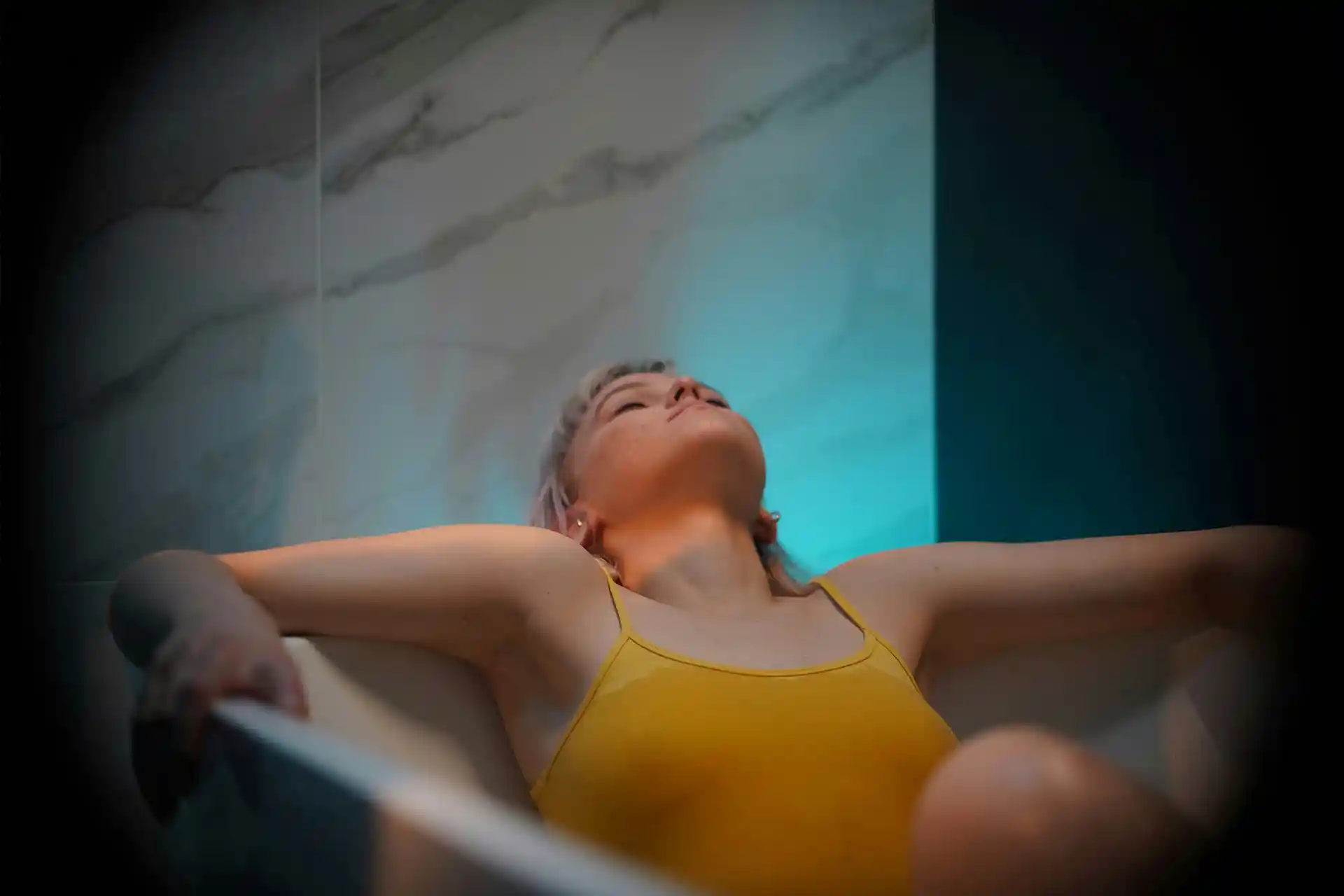
At Spa Ovarium in Montreal, each capsule is in a private room. Ask the staff to walk you through entering and leaving the bath, adjusting the light, and getting help before you begin.

“You don’t have to be good at relaxing.”

A first session is a chance to discover what feels comfortable.

SEVEN PRACTICAL ANSWERS

2. Do you need to know how to swim?

You do not swim during a floatation session. The concentrated Epsom salt solution supports buoyancy, so you rest at the surface rather than swim laps or tread water. Ask the staff to explain how to position yourself comfortably.

If you are uncomfortable around water or have questions about accessibility, tell the staff before booking. They can explain the arrangement and help you decide whether the experience is suitable for you.

3. What if enclosed spaces make you nervous?

This is worth asking about before your appointment—not something you need to hide once you arrive. Floatation setups vary, and so do personal comfort preferences. Ovarium’s service page says you can leave the capsule’s lid open or close it, and choose light or music. Ask the staff to demonstrate the controls, explain how to contact them, and show you how to leave the bath if you need to.

A clear explanation beforehand is often more useful than trying to talk yourself out of feeling nervous.

flotation bath

4. What should you bring: and what should you leave at home?

Keep it simple. Ovarium’s FAQ says it supplies essentials such as towels, soap, shampoo, conditioner and earplugs. It suggests bringing personal hair-styling items and contact-lens supplies if needed.

You may also want comfortable clothes for afterward and enough time that you won’t be rushing straight back into a crowded schedule. Check the latest preparation instructions directly with the centre, especially if you have a fresh skin irritation or another individual concern.

5. How much time should you allow?

A 60-minute float doesn’t necessarily mean a 60-minute visit. There may be a welcome, explanations, showers and a moment to collect yourself afterward.

In its official FAQ, Ovarium describes a standard 60-minute float within a 90-minute appointment, including the introduction and showers. Build in a little extra time for arrival and travel so the experience doesn’t begin with a race against the clock.

6. Is there anything you should mention before booking?

Yes. Ask the spa about any medical, mobility, sensory or skin-related concern that might affect your comfort or safety. Its FAQ flags irritated or wounded skin, recent tattoos or piercings, and an allergy to the hydrogen peroxide used in water treatment as reasons to check before booking. If you are pregnant, have a health condition, or are unsure whether floatation is appropriate for you, seek individual advice from the provider or a qualified health professional.

It’s better to ask a question early than assume every floatation setup or guest has the same needs.

7. What if you can’t relax?

You don’t need to achieve total silence in your mind to make the visit worthwhile. Some people settle quickly; others spend the first part of a session simply noticing the unfamiliar sensation of buoyancy.

Rather than judging the experience minute by minute, give yourself permission to be curious. The first float can be about learning what feels comfortable, not about reaching a particular state.

Ready to explore your options?

If you’re planning your first floatation bath in Montreal, start by checking the official Spa Ovarium floatation bath information for the current setup and booking details. You can also explore our related NexusGen guide to combining floatation and massage in Montreal if you’re interested in a longer wellness outing.

A little preparation can make your first visit feel more approachable. The rest of the experience is yours to discover.

Editor’s note: This article is general information, not medical advice. Check the provider’s current instructions and discuss individual concerns before booking.